youtube.com/watch?v=…
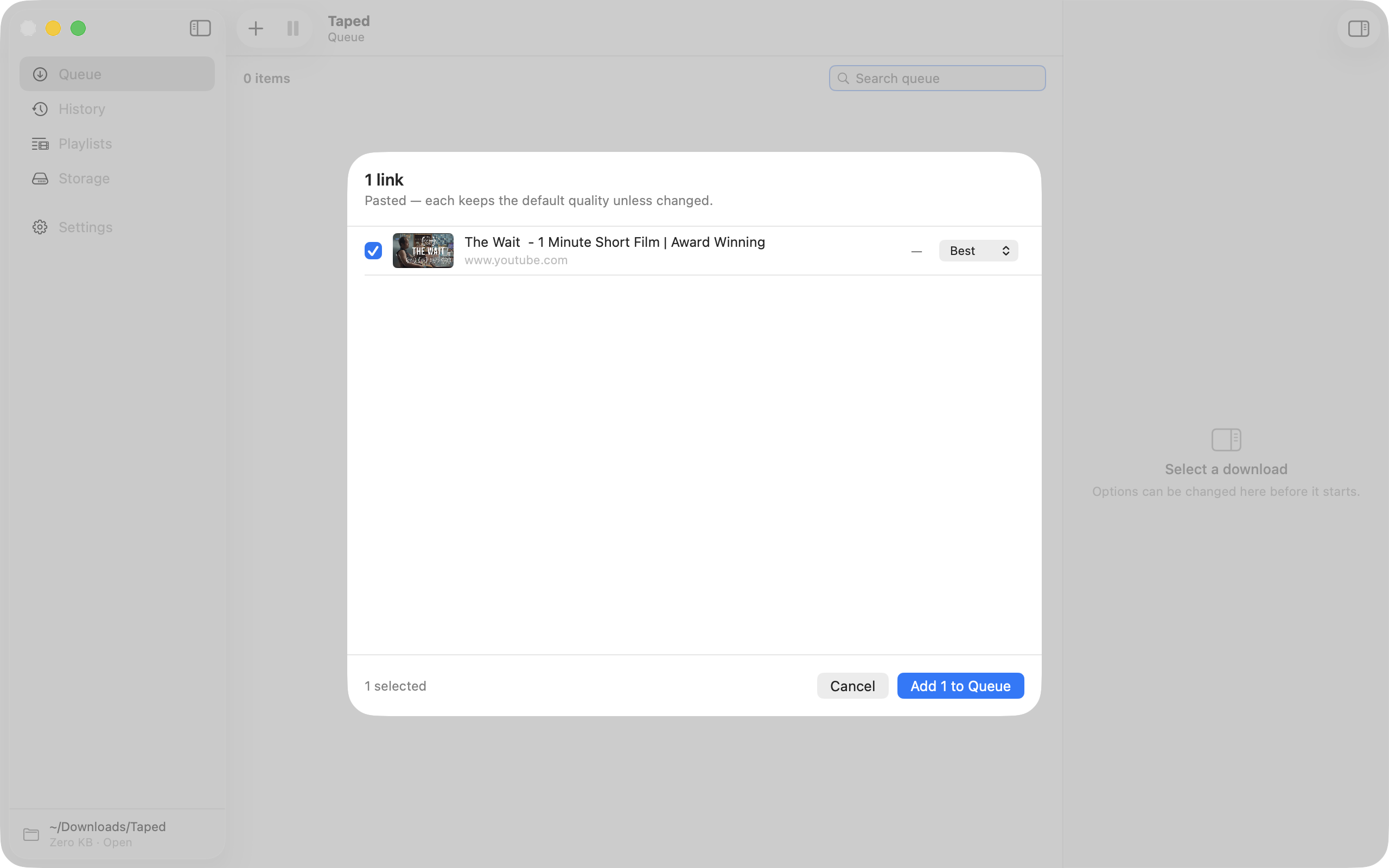
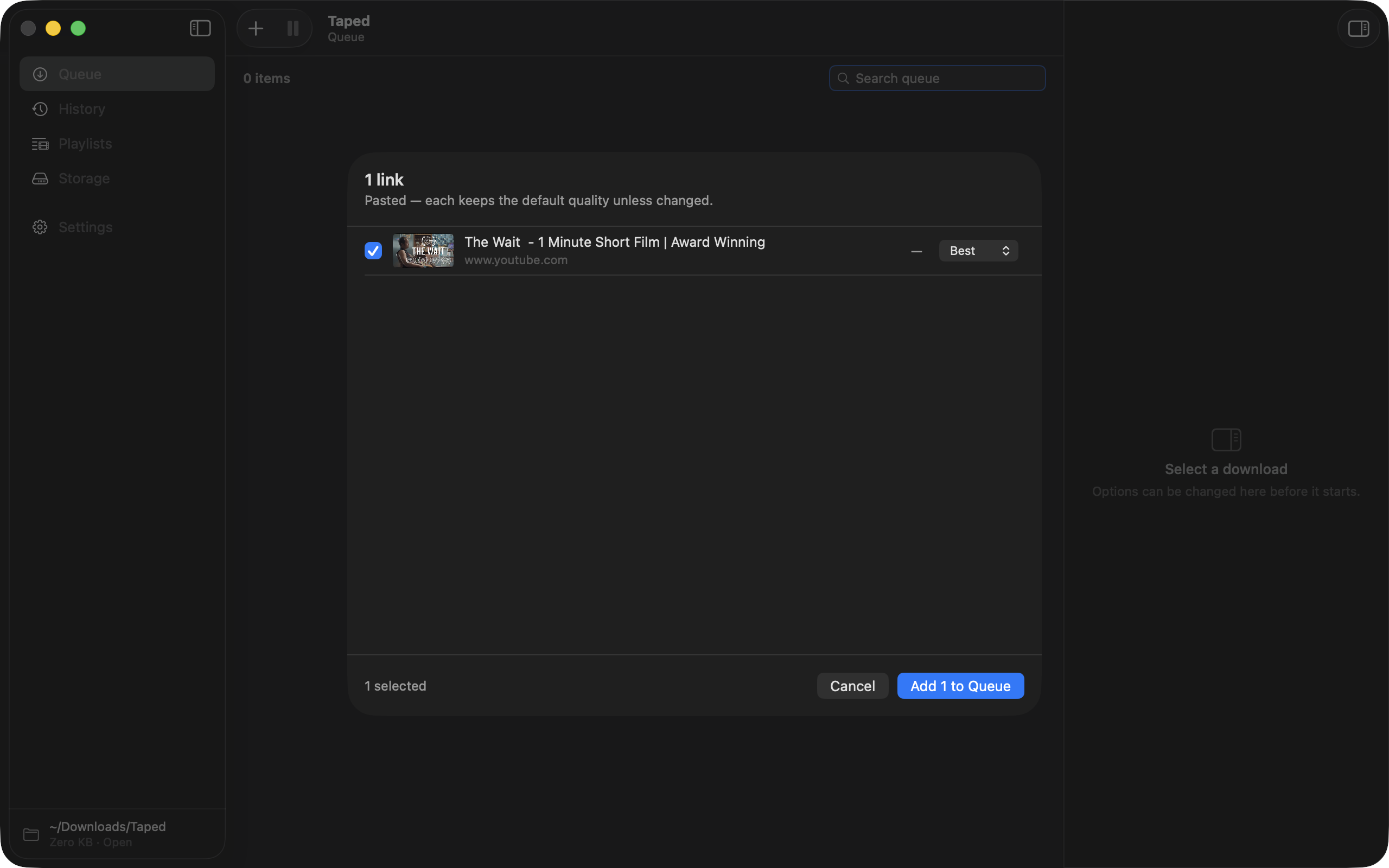
Paste a link
Taped reads your clipboard, so pasting is usually zero keystrokes. There is a hotkey too.
Keep a real copy of the videos you care about. On your Mac, in a folder, forever.
Apple silicon · Intel · macOS 14+ · version 1.0.0Taped is a Mac app for macOS 14 and newer.
Open this page on your Mac to download it.
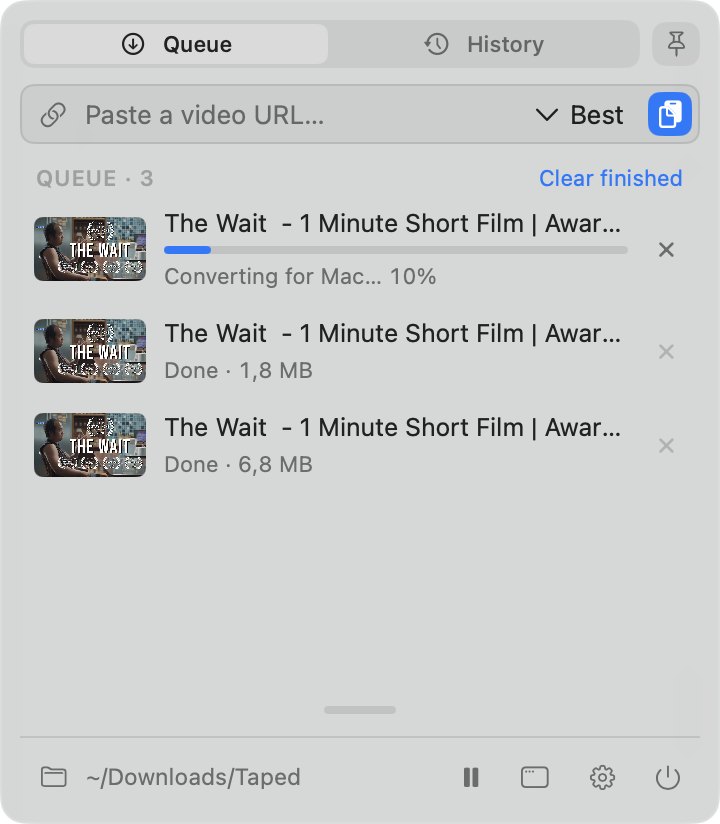
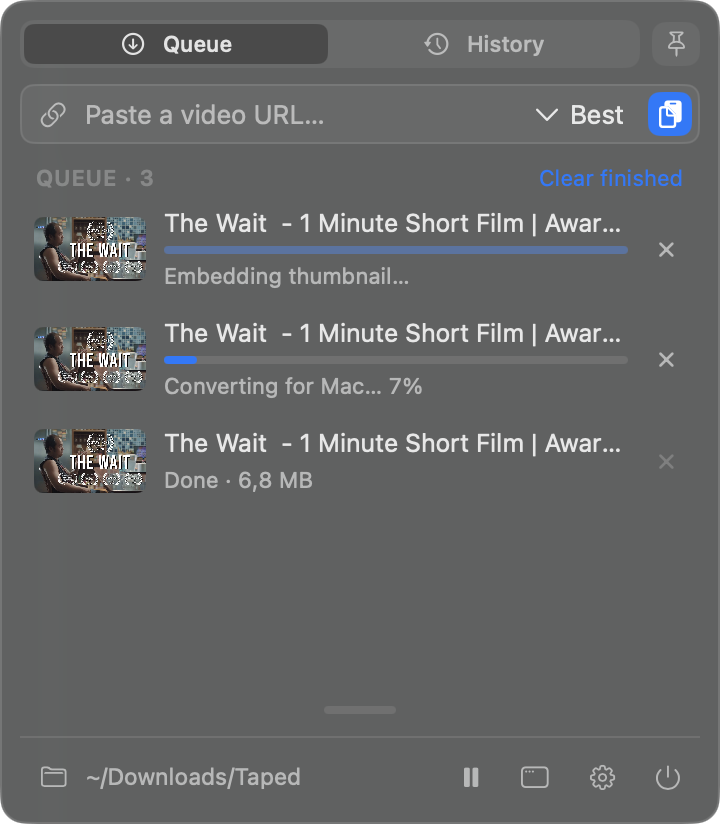
Taped reads your clipboard, so pasting is usually zero keystrokes. There is a hotkey too.
The buttons show what the site actually offers. No dead options.
A normal file in a normal folder. It opens in QuickTime.
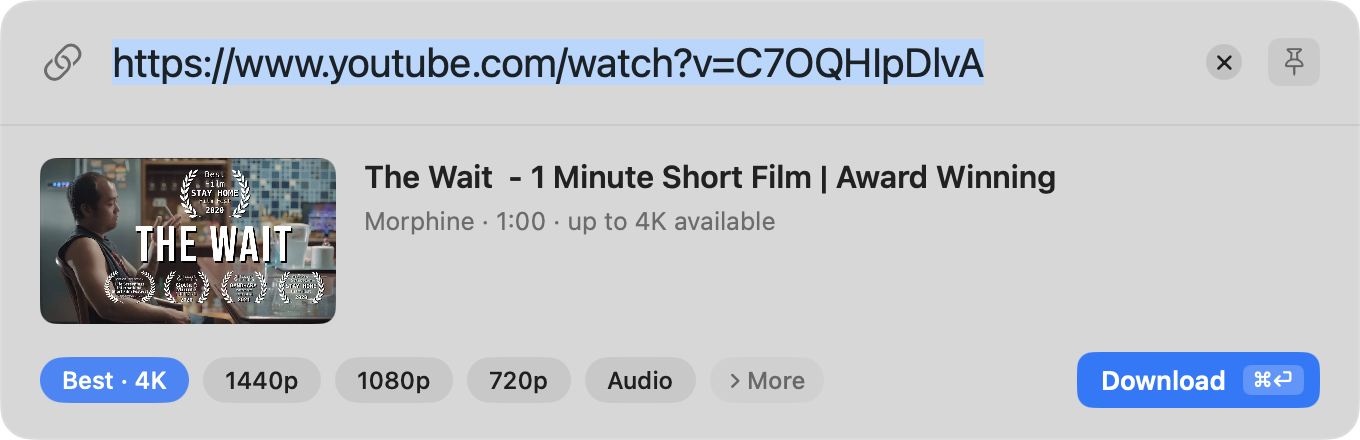
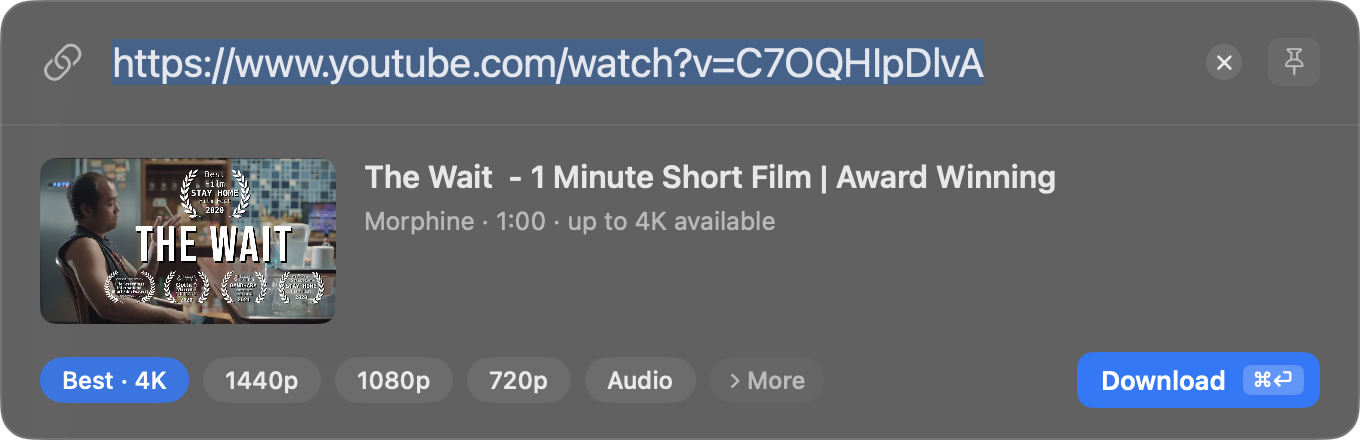
Copy a link, press the hotkey, hit ⌘⏎. The panel shows what you grabbed, starts the download and gets out of the way.
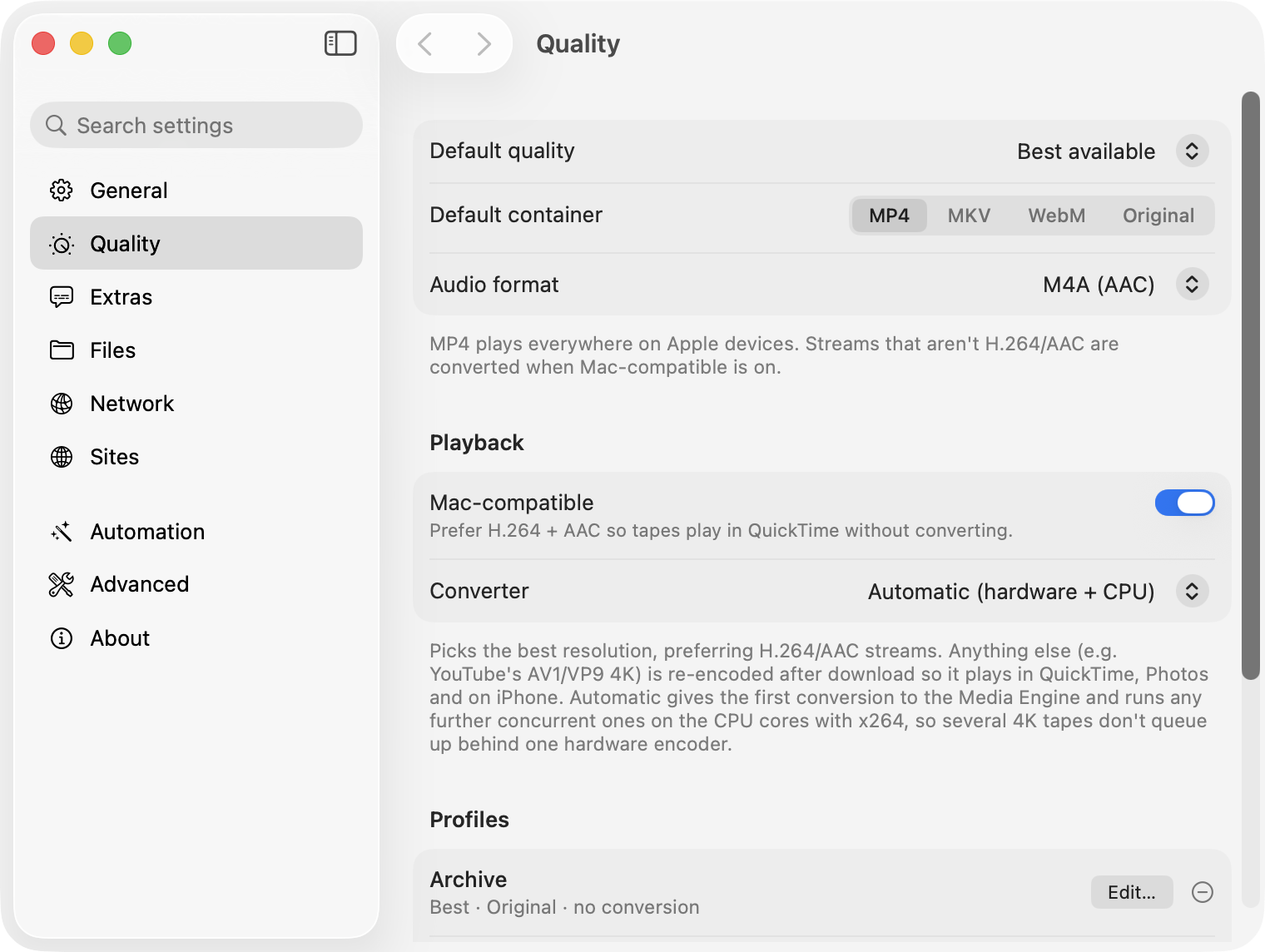
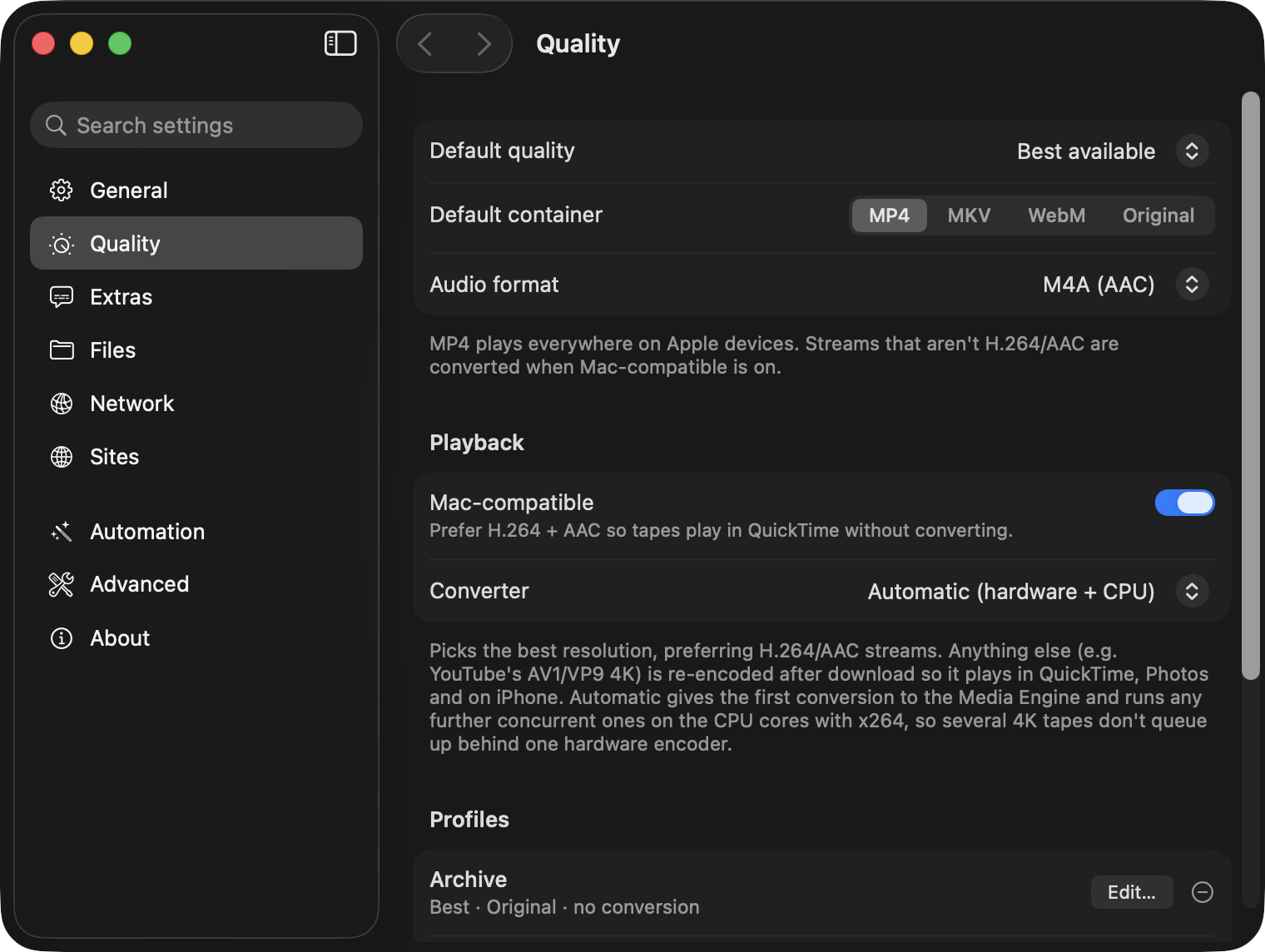
Files land as MP4s your Mac can actually play, at full resolution. When a site only offers an incompatible format, Taped converts it on the GPU. Archivists can turn this off and keep the original streams.
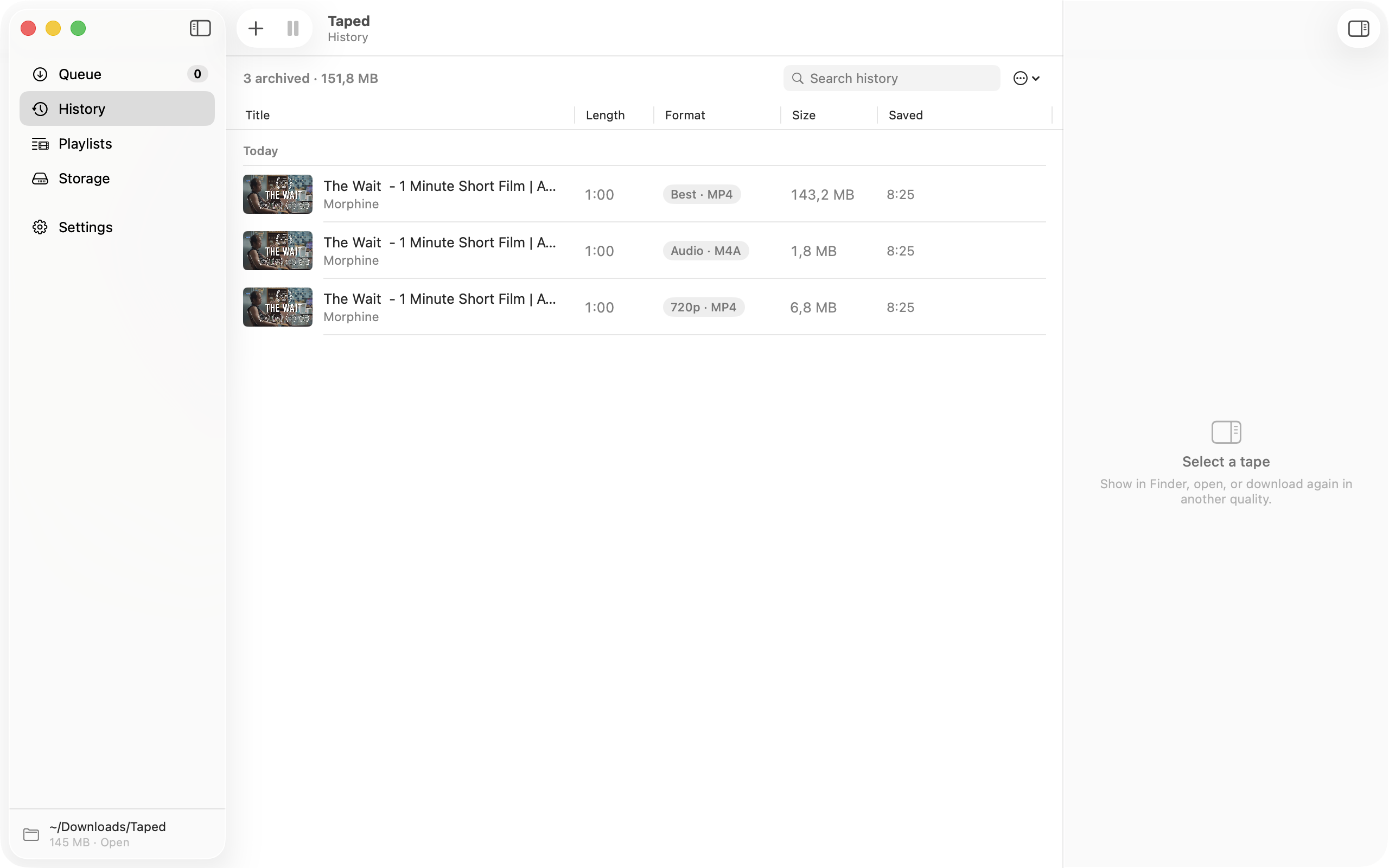
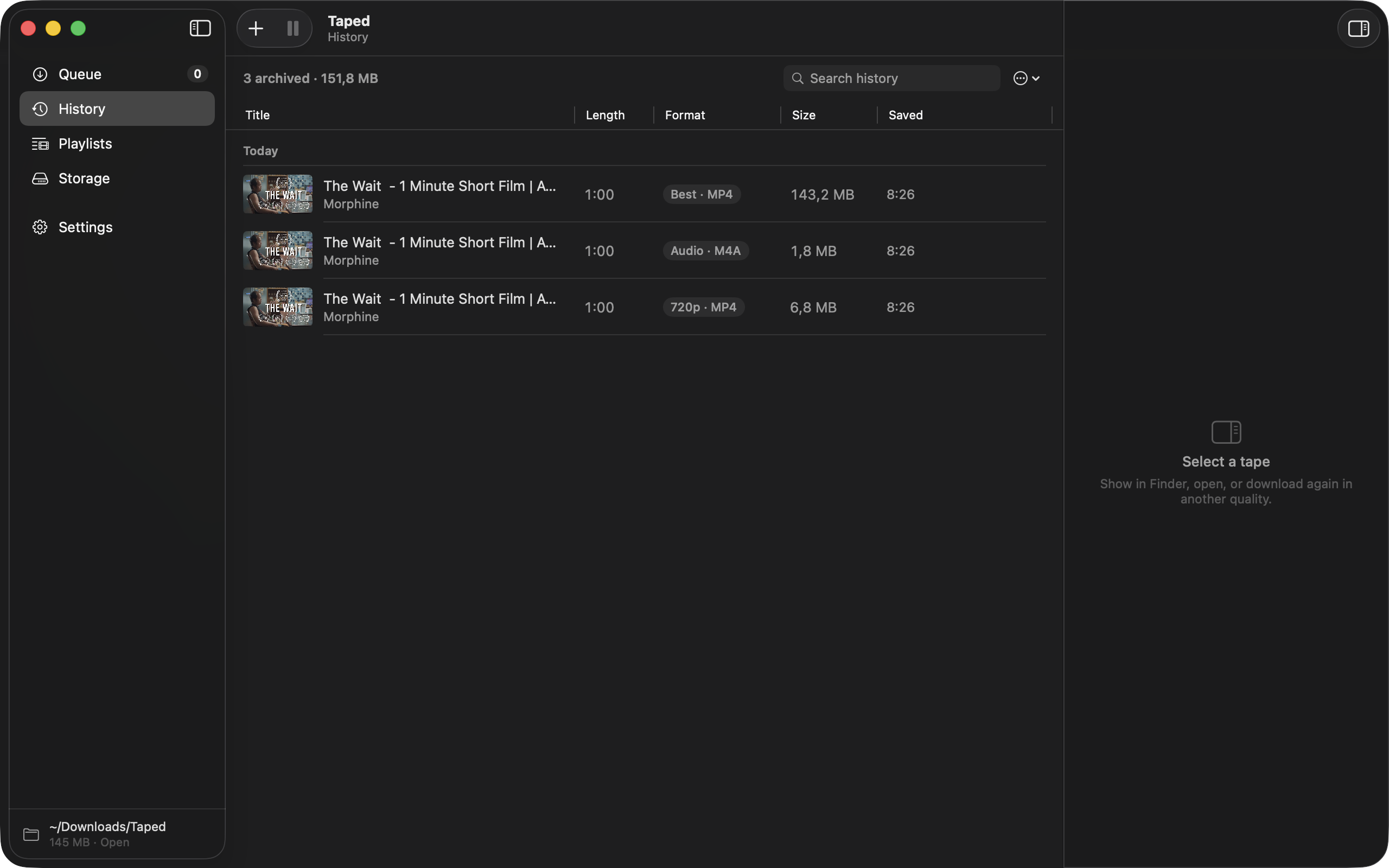
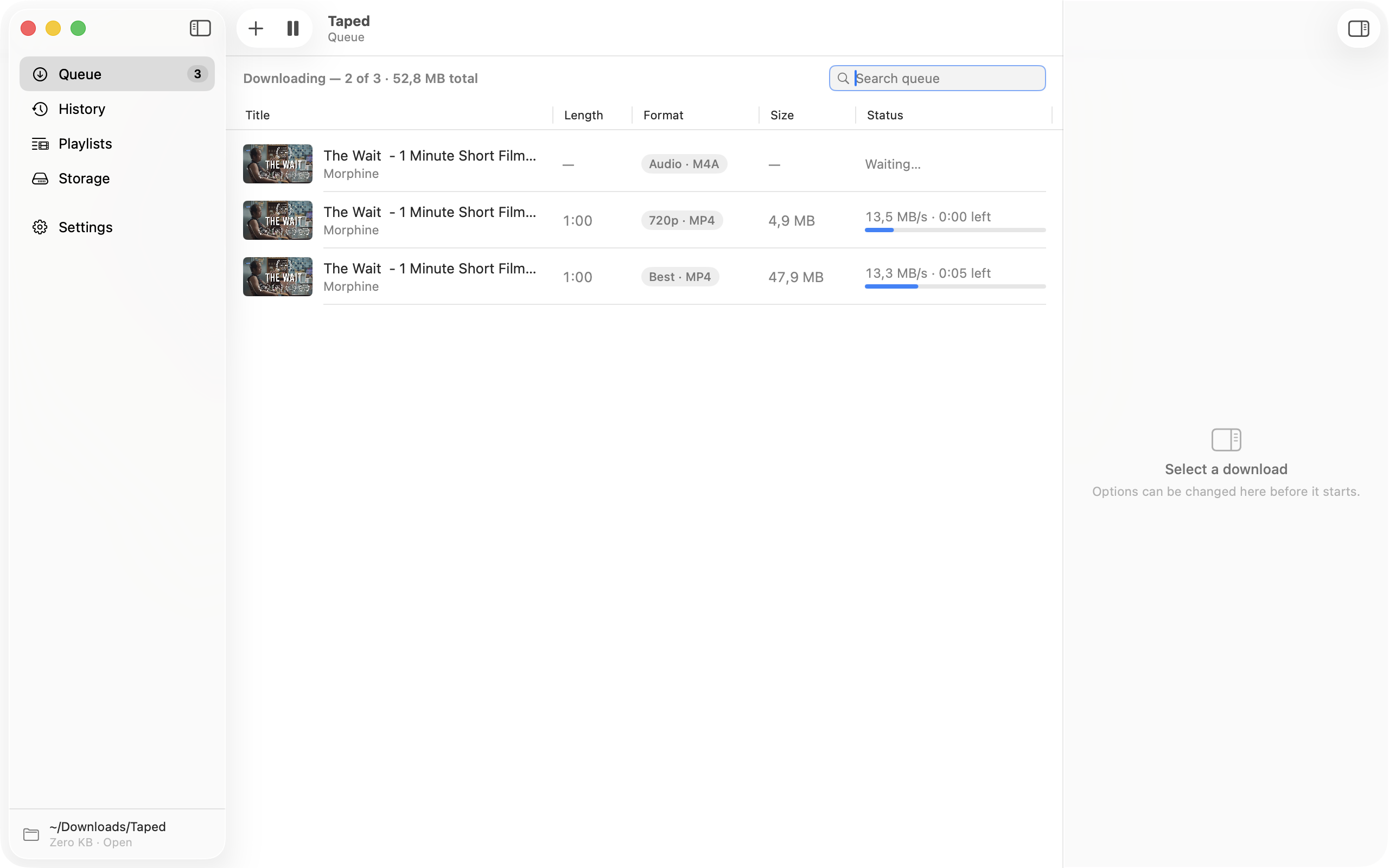
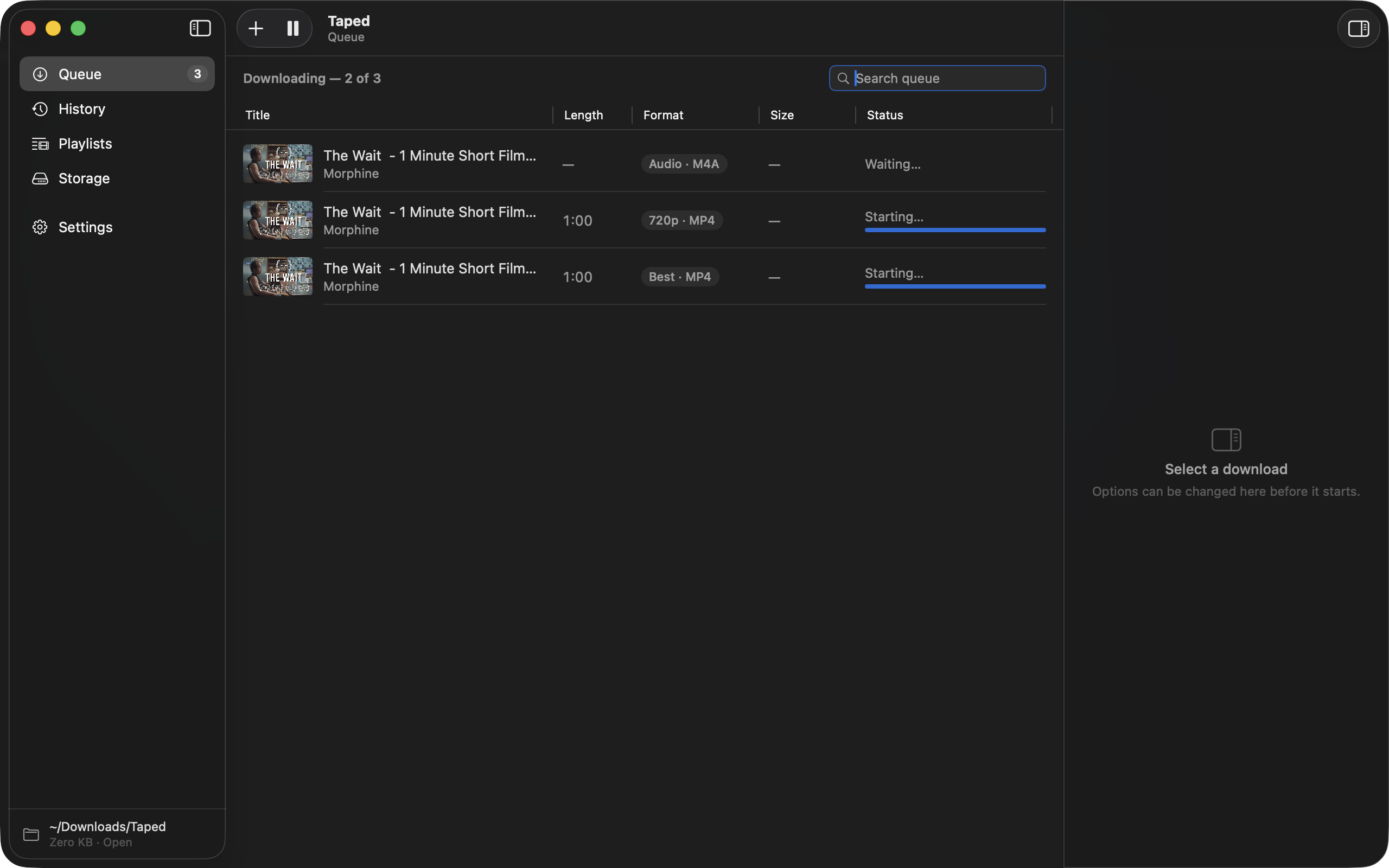
Your queue and everything you have saved, in a window that behaves the way Mac windows should. Search it, sort it, drop links onto it.
Give it download hours and the big files wait for the night. It stops before your disk fills up, and it picks up where it left off.
Open a playlist, tick the videos you want, skip what you already have. Save it with a schedule and new uploads arrive on their own.
A profile is a set of choices with a name. Podcast, say, means audio only, straight into the right folder. Set it up once and stop making the same decisions every day.
$ taped get https://youtu.be/C7OQHIpDlvA --profile Podcast
Kraftwerk Live at Tokyo · 1:12:04 · M4A
████████████████████░░░░░ 81%  4.2 MB/s  0:14
→ ~/Downloads/Taped/Podcasts/Kraftwerk Live at Tokyo.m4a

$ taped status --watch
$ taped playlists download-new
taped get downloads a video and exits. No window, no app running. The queue is scriptable too, if that is your kind of thing.
Save a channel as a TV show, with posters and episode data Plex reads straight out of the folder. Jellyfin and friends too. Nothing to import.
~/Downloads/Taped/
└── Kurzgesagt/
    ├── tvshow.nfo
    ├── poster.jpg
    └── Season 2026/
        ├── Kurzgesagt - s2026e0313 - The Egg.mp4
        ├── Kurzgesagt - s2026e0313 - The Egg.nfo
        └── Kurzgesagt - s2026e0313 - The Egg-thumb.jpg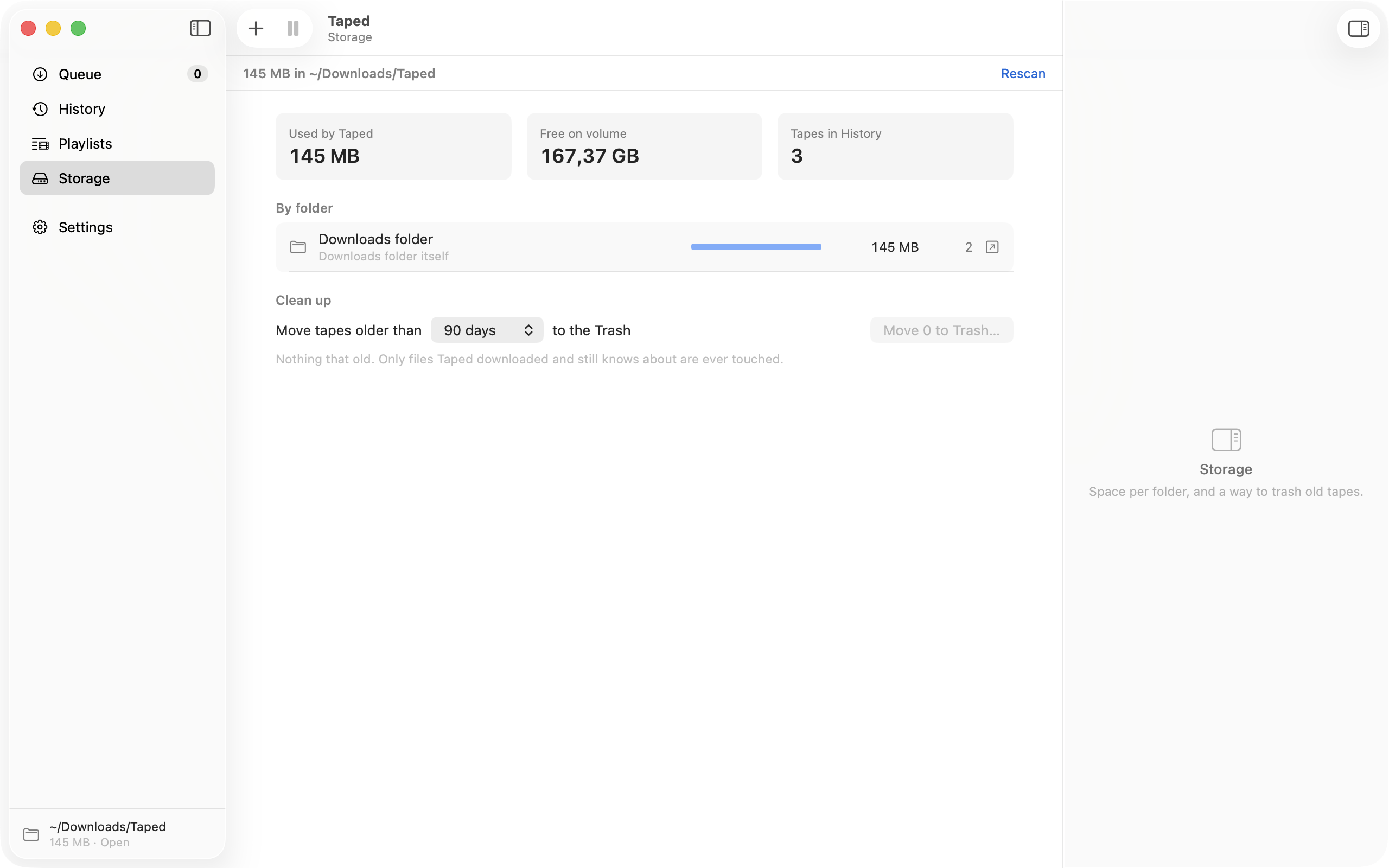
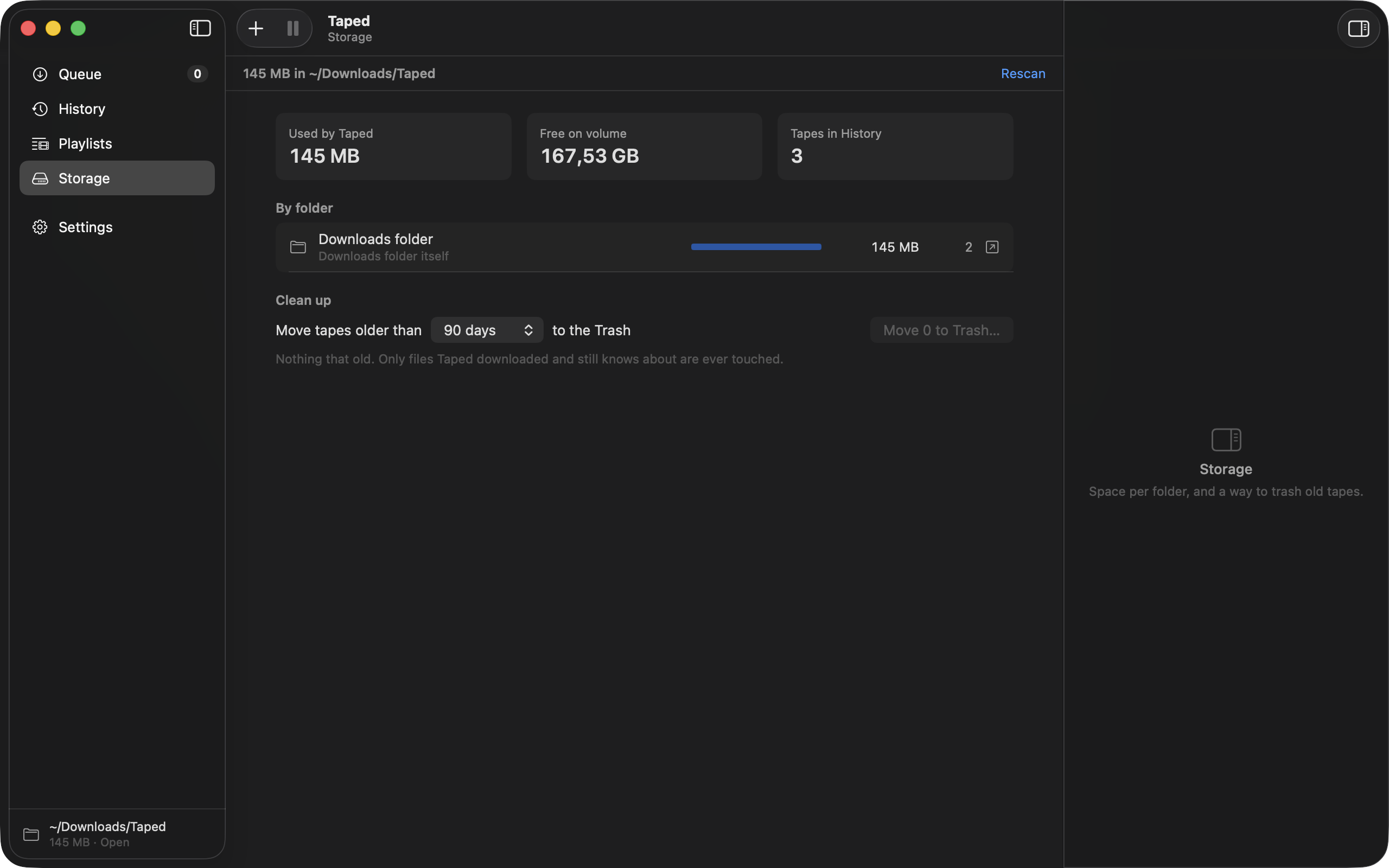
One view of what your tapes weigh, and one button to send the old ones to the Trash. It never touches a file it did not download.
There is a lot more under the hood, from clip trimming to live-stream recording. The Features page explains every switch, and the Support page shows how to wire them together.
Everything happens on your Mac. The only network traffic is to the site you’re downloading from, and a check for updates. Signed and notarized by Istvan Drahos under a Developer ID, with Hardened Runtime enabled. Open source, MIT.
These are good apps. Taped is a different trade: you pay nothing, and I owe you nothing but the app itself.
| Feature | Taped | Downie | Pulltube | 4K Video Downloader | yt-dlp |
|---|---|---|---|---|---|
| Price | Free | $19.99–22.99 once | $19.99 · Setapp $9.99/mo | Free tier, paid Pro | Free |
| Account required | No | No | No | For Pro | No |
| Download limits | None | None | None | 3 / day on free | None |
| Native Mac UI | Yes | Yes | Yes | Cross-platform | Terminal |
| Global hotkey | ⌥⇧D | No | Yes | No | No |
| Plays in QuickTime by default | Yes | Yes | Yes | Varies | You configure it |
| Subscriptions & media-server layout | Yes | No | No | Subscriptions | You script it |
| Command line & URL scheme | Both | URL scheme | No | No | Command line |
| Site coverage | ~1,300 extractors | 1,000+ | Hundreds | Dozens | ~1,300 extractors |
| Data sent anywhere | None | Licence check | Licence check | Account + analytics | None |
Corrections welcome: open an issue.
Netflix and its siblings will not work here, by design. Taped is for keeping a copy of things that were published to be watched, like talks, lectures and your own uploads. Respect the people who made them and the terms of the sites you use.
Roughly 1,300, because Taped uses yt-dlp’s extractors: YouTube, Vimeo, Twitch VODs, most conference and university sites, news video, podcasts. If yt-dlp supports it, Taped does.
Some sites only hand out streams to a signed-in browser: private videos, age-gated ones, members-only posts. Taped can read the cookies for that one site from Safari, Chrome or Firefox, use them for the request, and it never stores or sends them anywhere.
Sites change their players; yt-dlp catches up, usually within a few days. Taped updates yt-dlp daily on its own, so the fix arrives without you doing anything. If it is still broken after a day or two, tell me and I will look.
Yes, three ways. The taped command line (taped get, add, status, playlists), the taped:// URL scheme with x-callback links, and six Shortcuts actions. A script can also run after every download, and status.json tells you what the queue is doing. The Support page has the reference.
“Tape it” for Safari ships inside the app; switch it on in Safari → Settings → Extensions. Chrome, Edge and Firefox versions are in the repository and load unpacked until the store listings are up; the install steps are on the Support page. There is a Raycast extension too.
Yes. Taped watches an inbox folder, iCloud Drive → Taped Inbox by default. Any text file with links dropped there is read, queued and moved to Done/. An iPhone Shortcut that takes a shared link and saves it as a text file into that folder queues a download on the Mac at home. A first line of profile: Podcast picks a profile for the whole file.
Most of it is FFmpeg and the yt-dlp runtime, bundled so nothing has to be installed from a terminal and nothing breaks when Homebrew moves. It is a one-time download; updates are far smaller.
In ~/Downloads/Taped unless you point it somewhere else, with optional per-site subfolders. Show in Finder is in the popover, the Library window, and the notification.
No. It runs yt-dlp and FFmpeg as child processes, which the App Sandbox does not allow. That is also why it is not on the App Store. It is signed and notarized with a Developer ID and runs under Hardened Runtime.
Open an issue on the tracker, or email me. Include the URL and the log from Settings → Advanced → Show Logs; that is usually enough to reproduce it.
Yes. No trial, no paid tier, no upsell later. If it saves you money you would have spent elsewhere, spend it on the people whose videos you are keeping.
Then open it on your Mac. It needs macOS 14 or newer.